Cold Dead Hands
Entry #48.0 June 12th, 2026
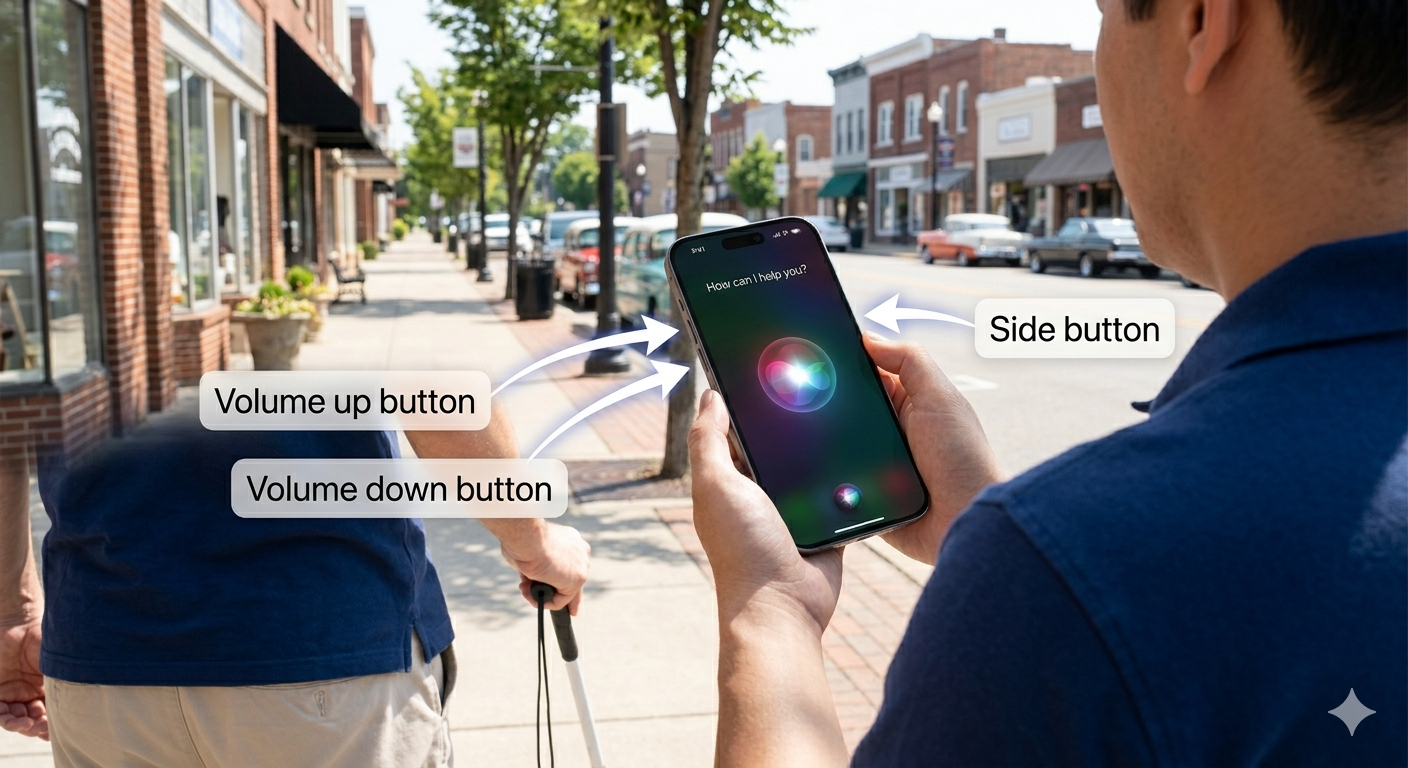
I have hesitated to make this post, but I’ve seen enough people switch from Android to iPhone — or just never explore their device — that I think it’s worth covering some basics. These are things that will work on basically any iPhone made in the last several years.
The side button is on the right side of the phone. A quick press wakes or sleeps the screen. Press and hold it for a couple of seconds and it will activate Siri. This is the part I have seen so many people struggle with. A lot of people coming from Android have never had a phone that worked this way, and every Android is different, so there is no muscle memory to fall back on.
To power off the phone, press and hold the right side button and the volume up button on the left side at the same time. A slider will appear on the screen.
The volume buttons do more than adjust sound. If you are in the camera app, pressing either volume button will take a photo, start a video recording, or stop one. It is much steadier and more reliable than trying to tap the on-screen buttons.
Some newer iPhones also have a dedicated camera control button, but I don’t have that model so I am not going to speak on it.
One thing specific to me: when I get a new iPhone, I triple click the side button to activate VoiceOver, which is the screen reader I use as a blind person. Most people will never need that, but if you ever watch me use my phone, now you know what I’m doing.
Accessibility is a core feature of Apple devices, and the triple click can be configured to activate a number of accessibility features. Apple calls it the Accessibility Shortcut.
This is why I have zero interest in a free government phone. Even the original 1984 Macintosh had built-in voice synthesis. You can take my iPhone out of my Cold Dead Hands.
Originally written by B. On June 12th, 2026. Image by by B. & Google's Gemini. (i'm using it more and more)
Director's Cut!